How to Make Sermon Clips for Social Media (Church Guide)
November 9, 2026
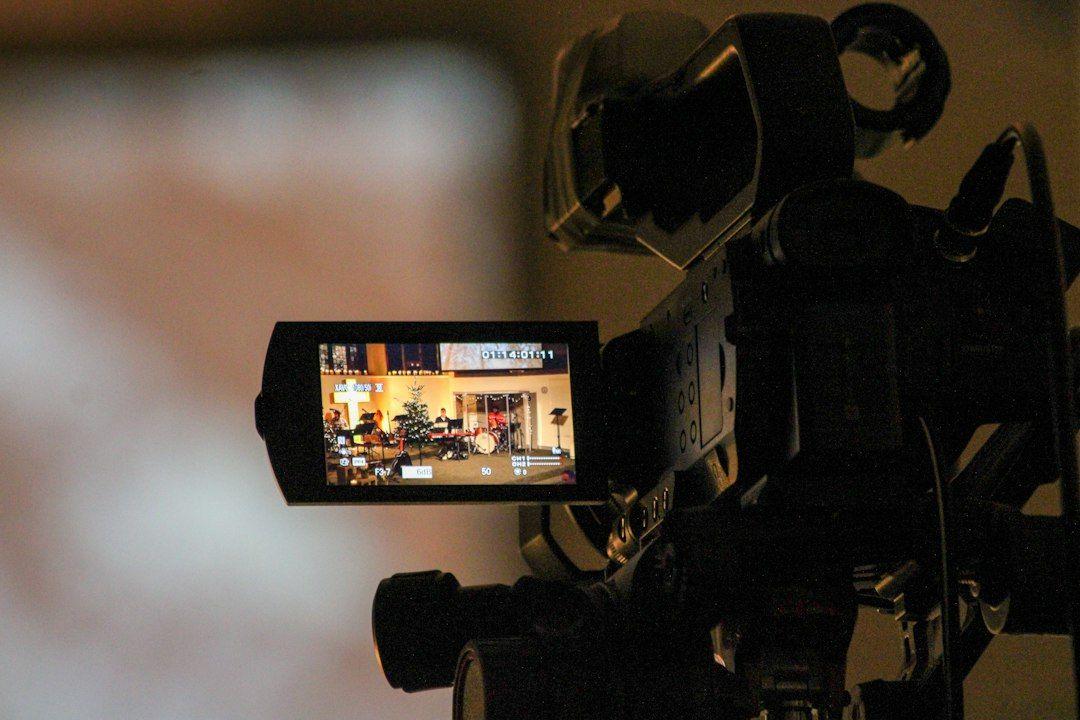
Sermon clips for social media work best as 30-90 second vertical videos that each carry one clear point, with burned-in captions and the church name on screen. Here's how to make them every week.
Updated: 9 November 2026
This guide is for church media teams, often one staff member and a few volunteers, who already record or livestream the Sunday service. It covers which sermon moments to clip, how long each clip should be, captions, music licensing, three ways to make the clips, and a weekly posting rhythm that one person can keep up.
What is the easiest way to make sermon clips for social media?
The easiest way is to take the sermon recording you already have, cut 4-8 moments that each make one point on their own, reframe them to vertical 9:16, add captions, and schedule them across the week. You can do this by hand in an editor, with YouTube's free Shorts tools, or with an AI clipper that finds and captions the moments for you in one pass.
Whichever route you choose, the editorial decisions are the same. A clip is only worth posting if someone who has never visited your church can understand it in the first few seconds.
Which sermon moments make good clips?
Good sermon clips are self-contained: a single verse explained, one story or illustration, a clear application, or a direct invitation to respond. If a moment needs the five minutes before it to make sense, it won't work as a clip. Skip announcements about the car park, inside jokes and long scripture readings without explanation.
Moments that tend to stand on their own:
- The main point, said plainly: most sermons have one sentence that sums up the whole message. Find it and clip the 30-60 seconds around it.
- A verse explained: the pastor reads one verse and unpacks it in everyday language. Put the reference on screen.
- The illustration: a short story or analogy with a beginning, middle and end. These often run 60-90 seconds and still hold attention.
- The application: "here's what this looks like on Monday morning" moments give viewers something to do.
- The invitation: a clear call to respond, visit or join a group. Pin one of these to the top of your profile for the week.
- Testimonies and baptisms: powerful, but only with the person's clear permission (more on that below).
A quick way to find candidates is to search the transcript for phrases like "here's the point", "if you remember one thing", "let me tell you a story", "what this means for you" and "this week, I want you to". Each hit is a possible clip.
How long should sermon clips be?
Aim for 30-90 seconds per clip, with the key line inside the first 3-5 seconds. Short clips are easier to finish and share. A complete illustration can run longer, but you rarely need more than 90 seconds to land one idea.
Platform limits, as of November 2026:
- YouTube Shorts: up to 3 minutes, in a square or vertical aspect ratio, per YouTube Help.
- Instagram Reels: you can record and edit up to 20 minutes, but Instagram says reels over 3 minutes won't be recommended to new audiences, per the Instagram Help Center.
- TikTok and Facebook Reels: both accept vertical clips well within these lengths, so one 9:16 export can go everywhere.
Since the point of sermon clips is reaching people who don't follow you yet, keep every clip under 3 minutes. Under 90 seconds is the safer habit.
How do you format sermon clips for phones?
Reframe the wide service shot to vertical 9:16 with the speaker centred, add large captions, and put the church name and sermon title on screen. Most church cameras shoot a wide 16:9 stage view, which turns into a tiny figure in the middle of a phone screen if you post it unchanged.
- Framing: crop to the speaker, not the stage. If the pastor walks, the crop needs to follow them. Our guide on how to convert horizontal video to vertical covers tracking and safe areas.
- Captions: burn them in. Many people scroll with the sound off, so on-screen text carries the message. Check book names, place names and theological terms by hand, because automatic transcripts often get them wrong. See how to add animated captions to short videos for style settings.
- Titling: add the church name, the sermon or series title, and the scripture reference. This tells viewers where the clip came from and where to find the full message.
- Hook text: a short line at the top, such as the question the clip answers, helps people decide to keep watching.
- Consistency: use the same font, colours and layout every week, so your clips are recognisable in the feed.
What about worship music and copyright in sermon clips?
Clips from the preaching part of the service usually contain only spoken word, so they are the lowest-risk content to post. Worship songs, played video clips and background tracks are where problems start. This is general information, not legal advice; check your own licences.
In the US, CCLI's support centre says a CCLI Streaming License lets churches stream or upload services, including worship music, to their website and social media, and that sermons can be uploaded "provided they don't contain any copyright material" and with the speakers' permission (CCLI support). The CCLI Streaming Licenses summary also excludes streaming artist or record label recordings.
Practical rules for clips:
- Cut around music: start the clip after the band finishes, and end it before the closing song.
- Watch for played media: a movie clip or music video shown during the sermon needs the copyright owner's permission. Cut that section.
- Know the YouTube rule: per YouTube Help, a Short over one minute with an active Content ID claim is blocked globally. If a clip includes any music, keep it under 60 seconds or remove the music.
- Get consent for people on camera: ask before posting testimonies, baptisms or close shots of congregation members, and take extra care with children.
How do you make sermon clips: three ways compared
You can make sermon clips by hand in a video editor, with YouTube's free tools if your service is already on YouTube, or with an AI clipper that finds, reframes and captions the moments automatically. The right choice depends on how many volunteer hours you have each week.
Option 1: A video editor (free or paid)
- How it works: download the recording, scrub through it, cut each clip, crop to vertical, add captions and titles.
- Best for: teams with a confident editor who enjoys the work.
- Watch out for: time. Finding moments, cropping and fixing captions by hand is the slowest route, and it's the first job to slip when a volunteer is away.
Option 2: YouTube's built-in Shorts tools (free)
- How it works: if your service is a public video on your channel, the YouTube app's Edit into a Short option lets you select up to 60 seconds of it and add text, per YouTube Help.
- Best for: churches posting to YouTube only, a few clips a week.
- Watch out for: you choose the moments yourself, the result lives on YouTube only, and you'll still need separate files for Instagram, Facebook and TikTok.
Option 3: An AI sermon clip maker
- How it works: you add the recording once; the tool transcribes it, suggests self-contained moments, reframes them to vertical and adds captions. You review, trim and export or schedule.
- Best for: small teams that want a week of clips from one Sunday without hours of editing.
- Watch out for: you still need a human review for theology, context and names. The AI's first pass saves time; it doesn't replace judgement.
How do you clip a sermon with LumiClip?
Add the recording, review the suggested clips, fix the captions, brand them, then export or schedule. LumiClip is an AI video clipper that turns long videos into short vertical clips for TikTok, Reels and YouTube Shorts, and its sermon clip maker page describes the church workflow.
Step 1: Add the recording
Upload an MP4 exported from ProPresenter, OBS, Zoom or your camera on the LumiClip homepage. On paid plans you can also import from YouTube instead of downloading your own livestream first. To save credits, trim the file to the sermon before uploading: one credit equals one minute of video processed.
Step 2: Review the suggested moments
LumiClip transcribes the sermon and scores segments on hook strength, speech clarity, visual variety and emotional peaks. Preview each suggestion, adjust the start and end points, and drop any that need more context.
Step 3: Fix captions and add your branding
Captions are word-level and support 30+ languages with automatic detection, which helps if your church also posts in a second language. Correct any scripture references or names, then apply a Brand Kit preset with your church name, colours and font so every week looks the same.
Step 4: Export or schedule the week
Download the vertical files or connect your church accounts and schedule posts to TikTok, Instagram, Facebook and YouTube Shorts from one workspace.
What it costs
Per the LumiClip pricing page, as of 9 November 2026:
- Free: 60 credits one-time (about 1 hour), uploads up to 1 hour and 1 GB, 720p with a watermark, no social posting. Enough to test one sermon.
- Try-Out: €7.99 one-time for 180 credits, 1080p without a watermark.
- Starter: €9.99/month for 360 credits (about 6 hours), YouTube import, 2 brand templates, 6 social accounts and the auto-scheduler. That covers a weekly 45-minute sermon with room to spare.
- Pro: €24.99/month for 1,200 credits, 10 brand templates and 20 social accounts, useful for multi-campus churches.
Yearly billing is 50% off.
How often should a church post sermon clips?
Two to five clips a week from one Sunday is a pace most small teams can sustain. Consistency matters more than volume: a steady weekly rhythm beats ten clips one week and none the next.
A simple weekly rhythm for one person:
- Sunday afternoon: export or download the service recording.
- Monday: run it through your editor or clipper, pick the best 4-6 moments and fix captions.
- Tuesday: schedule one clip a day from Tuesday to Saturday, with the invitation clip on Saturday ahead of the next service.
- Each post: add a one-line caption that names the sermon and series, plus a link to the full message in your bio or description.
If you post the full service on YouTube, older sermons are a ready-made back catalogue too. Our guide on how to repurpose old YouTube videos into Shorts shows how to pick evergreen moments from past uploads.
FAQ
What is a sermon clip?
A sermon clip is a short excerpt, usually 30-90 seconds, cut from a full sermon and formatted for social media. It focuses on one idea that makes sense without the rest of the message.
How many clips can I get from one sermon?
It depends on the message, but a 30-45 minute sermon often has four to eight moments that stand on their own. Post only the ones that are clear without context.
Can we post clips that include worship songs?
Possibly, but it's the riskiest part of the service to clip. Check your streaming licence first, cut around songs where you can, and remember that YouTube blocks Shorts over one minute that have an active Content ID claim.
Should sermon clips have captions?
Yes. Many people watch short videos with the sound off, and captions also help people who are hard of hearing. Proofread scripture references and names before posting.
Who should run sermon clipping at a small church?
One trained volunteer or staff member can handle it in a couple of hours a week with an AI clipper. Have a pastor or elder sign off on clips before they're scheduled.
Start with this Sunday's sermon
Pick one recent sermon, cut three clips that each make one clear point, caption them, and schedule them for next week. Then keep the same rhythm every Sunday.
Try LumiClip free, no credit card needed, or compare plans on the pricing page.
Cover photo by Mark Stuckey on Unsplash
Try LumiClip free
Paste a YouTube link and get viral Shorts in minutes. No credit card required.