From Hours to Minutes: How AI Transformed My Editing Workflow
April 30, 2026
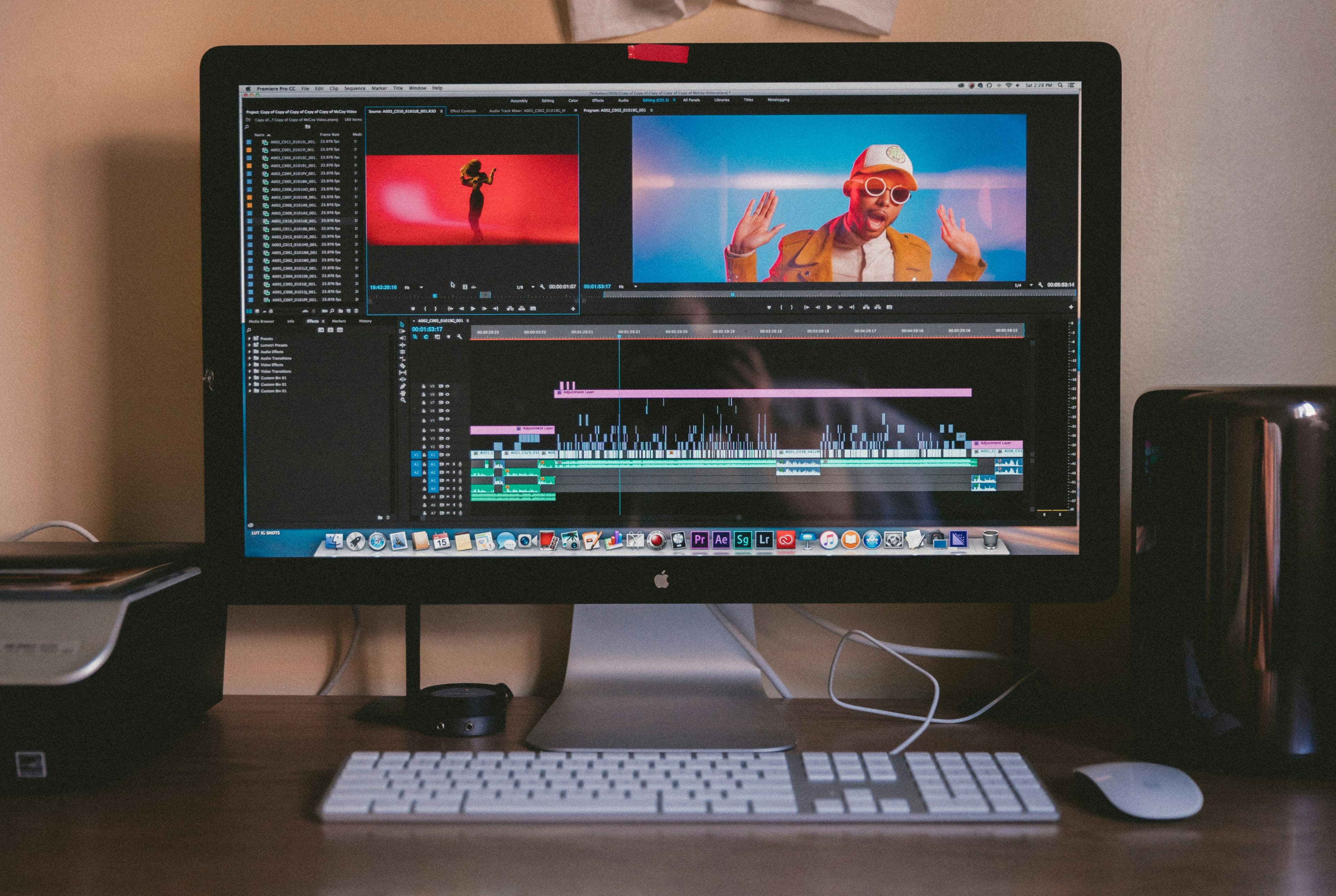
If you've ever spent hours sifting through video footage, you know how tedious editing can be. Imagine cutting that time down to just minutes! This is exactly what happened when I integrated AI tools like LumiClip into my editing workflow. Not only did it save me time, but it also elevated the quality of my content. In this guide, I’ll walk you through how AI transformed my editing process and how you can implement these changes too.
The Challenge of Traditional Editing
Traditional video editing can be a daunting task. Here’s what I faced before discovering AI tools:
- Time-consuming: Hours spent searching for the right clips.
- Overwhelming: Managing large amounts of footage was chaotic.
- Frustrating: Repetitive tasks drained my creativity.
I realized I needed a solution that could streamline my workflow. Enter AI video editing tools.
How AI Simplifies the Editing Process
When I started using LumiClip, I noticed immediate changes in my editing routine. Here are some key aspects where AI made a significant impact:
1. Fast Clip Generation
With LumiClip, I can input long videos from platforms like YouTube or Zoom, and the AI quickly identifies the most engaging moments. This feature alone slashed my editing time by over 70%!
2. Enhanced Content Discovery
AI algorithms are designed to analyze viewer engagement. LumiClip helps me discover which segments resonate most with my audience, guiding me in creating more targeted content.
3. Seamless Integration
LumiClip integrates effortlessly with my existing video editing software. I no longer have to switch between multiple platforms to produce short clips for TikTok or Reels. It’s all done in one place.
A Step-by-Step Guide to Using LumiClip
If you’re ready to transform your editing workflow, follow these simple steps:
Step 1: Sign Up for LumiClip
Visit the LumiClip homepage and create your account. They offer a free plan to get you started.
Step 2: Upload Your Video
Choose the long-form video you want to edit. LumiClip supports various formats, making it versatile for different types of content.
Step 3: Let the AI Work Its Magic
After uploading, let LumiClip analyze your footage. Within minutes, it will generate short clips that highlight the best moments.
Step 4: Customize and Share
You can tweak the generated clips to fit your style, add captions, or include music. Once satisfied, share your new content on platforms like TikTok and Instagram!
Comparing Traditional Editing to AI-Powered Editing
Let’s break down a quick comparison of my editing workflow before and after using LumiClip:
| Aspect | Traditional Editing | AI-Powered Editing | |----------------------|-------------------------|---------------------| | Time Spent | 4+ hours per video | 30 minutes per video | | Editing Complexity | High | Low | | Content Engagement | Guesswork | Data-driven | | Flexibility | Limited | High |
This stark contrast shows how adopting AI tools can revolutionize your workflow.
Common Misconceptions About AI in Video Editing
Many people still have doubts about using AI for creative processes. Here are some myths I’d like to debunk:
Myth 1: AI Replaces Human Creativity
While AI can streamline the editing process, it doesn’t replace your creative touch. LumiClip enhances your workflow, allowing you to focus on storytelling.
Myth 2: AI is Too Complex to Use
LumiClip is user-friendly, even for those unfamiliar with AI. Its intuitive interface makes it accessible for all skill levels.
Myth 3: AI-Generated Clips Lack Quality
The clips generated by LumiClip are based on engagement data, ensuring that they are not only high-quality but also relevant to your audience’s interests.
Conclusion: Embrace AI for Efficient Editing
In just a short time, AI has transformed my editing workflow from hours of frustration to minutes of efficiency. If you're looking to elevate your video content and save time, I highly recommend giving LumiClip a try. Check out the LumiClip pricing to see which plan works best for you. Embrace the future of editing and let AI do the heavy lifting!
Try LumiClip free
Paste a YouTube link and get viral Shorts in minutes. No credit card required.